

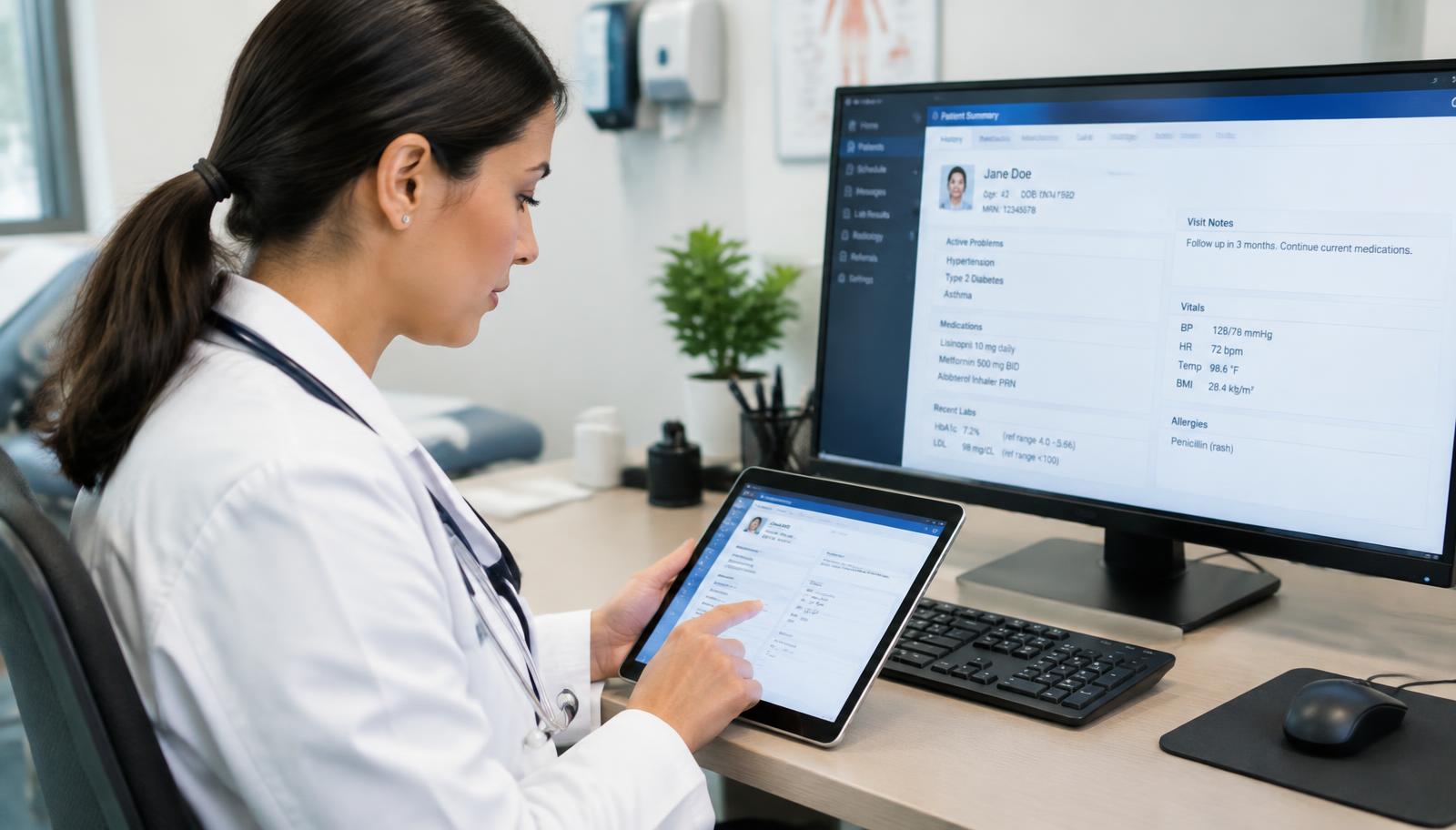
DrChrono billing support for California practices

DrChrono Billing Services From a Team That Knows Your EHR

You chose DrChrono for a reason. Fixing your billing starts with reviewing the workflow you already have. California Billing helps you address Missing Information and Rejected claims, review ERA posting and deposits, follow up on denials and resolve open balances. Confirm account access, configuration and responsibilities before work begins.

  • Live Claims Feed review by status, age and payer
  • ERA-to-EFT matching and line-level denial review
  • California payer, IPA and enrollment review

Discuss your Live Claims Feed, remittance exceptions and A/R aging without sharing patient data or account credentials.

Existing-account workflow reviewAccess and permissions reviewPatient privacy and BAA review
01 · DrChrono billing

Keep DrChrono. Add a Billing Team That Works Inside It

Changing EHRs is not the only way to address billing problems. Start with your existing DrChrono billing screens, charting and scheduling workflows, then define support from claim readiness through final balances. Review vendor contract requirements and permitted access before planning a handover.

02 · DrChrono billing

How We Run Your DrChrono Billing, From Appointment to Paid in Full

Review named staff permissions, the Billing menu and available appointment history with your account owner. Agree on billing responsibilities and patient-data safeguards before access is granted.

Claim Readiness: Billing Profiles and Codes That Hold Up

Review billing profiles for common visits, fee schedules, applicable drug NDCs, CPT and ICD-10-CM codes, modifiers and insurance details before Bill Insurance or Bill Secondary. Confirm who can approve profile and fee changes.


Scrubs and Clearinghouse Batches: Fixing What Comes Back

Review claim edits, clearinghouse batch results and Missing Information or Rejected statuses. Investigate patient, insurance, provider and coding details before correction and resubmission. Confirm your enabled clearinghouse connection and agreed turnaround.

Live Claims Feed: Every Status Has an Owner

Prioritize the Live Claims Feed by status, age and payer. Document requests for Pending Info Practice items, assign Attention to Biller work and review Balance Due accounts for patient-billing follow-up. Assess payer-held claims against filing and appeal deadlines.

ERA and EFT Reconciliation: Posted Payments That Match the Bank

Review ERAs in Remittance Reports against associated EFT deposits and payment records. Investigate ERA Received exceptions and ERA Denied lines for correction, appeal or secondary billing where appropriate. Define reconciliation access and posting responsibilities in scope.

Patient Balances: Statements and Follow-Up

Discuss statement timing, patient-payment posting, enabled DrChrono Payments options and payment arrangements. Confirm which features your account supports and how patient-balance follow-up will be handled.

Reporting: Day Sheet to Aging AR Analysis

Review available Billing Summary, Day Sheet and Aging AR Analysis reports alongside payer-specific denial trends. Agree on reporting access, measures and review frequency.

03 · DrChrono billing

6 DrChrono Billing Problems That Quietly Cost You Revenue

DrChrono shows where claims stand, but follow-through matters. These six patterns help focus an account review without assuming every practice has the same problems.

Six billing problems and follow-up approaches
ProblemWhat it looks like in DrChronoFollow-up approach
Claims stuck before submissionAppointments remain in Missing Information or RejectedReview corrections and resubmission, then investigate patient, insurance or provider setup
ERAs posted without reconciliationPayment postings and bank deposits do not line upMatch ERAs to EFT records and investigate remittance exceptions
Partial denials missedERA Denied lines appear within otherwise paid claimsReview line-level denials for appeal, correction or eligible secondary billing
Secondary claims never sentBalances remain after primary paymentCheck coordination of benefits and Bill Secondary requirements
Out-of-date billing profilesOld codes, missing modifiers or incorrect fees repeatReview profiles and fee schedules with an agreed maintenance process
Aging A/R with no follow-upOlder balances grow in Aging AR AnalysisPrioritize payer follow-up by deadline, value and remaining recovery options

How many claims are waiting in your Live Claims Feed? Discuss claim statuses, rejection patterns and remittance exceptions with our team.

Illustrative medical billing specialist and practice manager reviewing a billing workflow

Claim status ownership

Put Your Live Claims Feed to Work

Connect rejection review, remittance exceptions and follow-up priorities in your existing workflow.

04 · DrChrono billing

DrChrono Medical Billing Services Built Around Your Account

Discuss full revenue cycle management or the work your team cannot keep up with. Each service links to its detailed scope.

Eligibility and Prior Authorization: Clean Claims Start at Scheduling

Review coverage, assigned plan or network, referrals and authorization requirements before scheduled services. Confirm the responsible payer or delegated medical group.

05 · DrChrono billing

DrChrono’s RCM Service or an Independent Billing Team

DrChrono by EverHealth offers its own RCM service. Compare its current written scope with an independent billing team’s proposal, including practice-owned tasks, status responsibilities, access and contract terms.

Questions to compare billing options
Decision pointDrChrono RCM serviceCalifornia Billing review
Who does the workAsk the vendor to define billing-team responsibilitiesDefine independent billing responsibilities within your DrChrono account
What stays with your practiceReview the current scope-of-services gridAgree in writing on retained tasks and billing-team scope
Payer focusConfirm coverage of your California payer contractsDiscuss Medi-Cal networks, delegated IPAs, Noridian JE and occupational needs
Point of contactReview support and account-management termsAgree on a contact and escalation process
If you change EHRs laterReview vendor termination and transition requirementsConfirm platform compatibility and scope before any software change

If you are considering a change from DrChrono RCM or another biller, review open A/R, contract obligations and access before planning the handover. Transition timing and payment continuity depend on your starting position.

06 · DrChrono billing

California Payer Rules Applied Inside DrChrono

Match insurance, provider and ERA enrollment to your California payer contracts and patient coverage rather than assuming a default setup fits every practice.

Medi-Cal Plans by County

Review CalOptima health-network assignments in Orange County and current arrangements in Riverside, San Bernardino, Kern and Alameda. Verify the plan, network or group responsible for the service using current coverage and payer instructions.

IPAs and Delegated Medical Groups

HMO and Medi-Cal members assigned to an IPA may need referrals, authorizations or claims routed to that group. Confirm responsibility for each service under the contract.

Medicare in California

Noridian Healthcare Solutions administers traditional Medicare Part B in California under Jurisdiction E. Medicare Advantage follows each plan’s authorization and submission requirements.

Workers’ Comp and Personal Injury

Discuss occupational and personal injury billing separately from commercial claims. California workers’ compensation may involve the Official Medical Fee Schedule, Doctor’s First Report and PR-2 documentation. Confirm current DWC requirements and your enabled clearinghouse connection, including Carisk Partners where applicable.

Illustrative practice manager and billing specialist discussing revenue reports

A coordinated handover

Connect Payments, Deposits and Reporting

Agree on access, reporting measures and clear responsibilities before changing billing partners.

07 · DrChrono billing

Start in 5 Steps With Your Existing DrChrono Account

Start with your current DrChrono configuration, data responsibilities and EverHealth contract. Confirm access and transition requirements before adding billing support.

  1. 01Billing review. Review Live Claims Feed statuses, Aging AR Analysis and denial trends to identify first priorities.
  2. 02Agreement and BAA. Confirm written scope, access responsibilities and Business Associate Agreement requirements before sharing patient data.
  3. 03User permissions. Your account owner reviews named staff accounts, billing permissions and available activity logs.
  4. 04Setup review and backlog handover. Review profiles, fee schedules, payer and ERA setup, then prioritize new claims and open balances by deadline and value.
  5. 05Reporting review. Agree on frequency and review collections, denials, A/R aging and patient balances.
08 · DrChrono billing

Practices We Support on DrChrono

California practices can discuss full-cycle billing needs or shared status responsibilities alongside an in-house biller. Confirm specialty scope and account requirements during the review.

  • Independent physicians, small and growing groups
  • Multi-location and urgent care practices
  • Behavioral health, therapy, chiropractic and physical therapy practices
  • Functional and concierge medicine practices
09 · DrChrono billing

Why DrChrono Practices Choose California Billing

Connect billing statuses, remittance reports and setup review with the California payers behind each claim. A useful scope makes follow-up responsibilities clear.

Hands-On DrChrono Workflow Review

Discuss billing profiles, Live Claims Feed, Remittance Reports, Day Sheet and Aging AR Analysis for your configured workflow.

Investigate Causes, Not Just Claims

Trace recurring rejections to profile, payer, provider or patient details and agree on corrective responsibilities.

California Payer Knowledge

Review current Medi-Cal arrangements, delegated IPAs, Noridian Jurisdiction E and California occupational billing requirements.

Visibility in Your Account

Agree on named-user permissions, appointment history, claim notes and available reporting visibility.

Your Practice Stays in Control

Define patient-data responsibilities, vendor contract obligations and approval authority for refunds, adjustments or write-offs.

Clear Accountability

Confirm a point of contact, follow-up ownership and escalation process in writing.

Explore other platform billing pages:

FAQ

DrChrono Billing FAQ

Start with your existing DrChrono account and billing workflow. Confirm configuration, licensing, vendor contract requirements and access before work begins. Do not submit patient records or account credentials through this website.

Can't find what you're looking for? Contact our billing specialists

See What’s Sitting in Your Live Claims Feed

Request a DrChrono billing review to discuss claim statuses, Aging AR Analysis and denial trends. Identify remaining recovery options and setup priorities without submitting patient reports or account credentials through this website.

(424) 600-9466info@californiabillingservices.com