

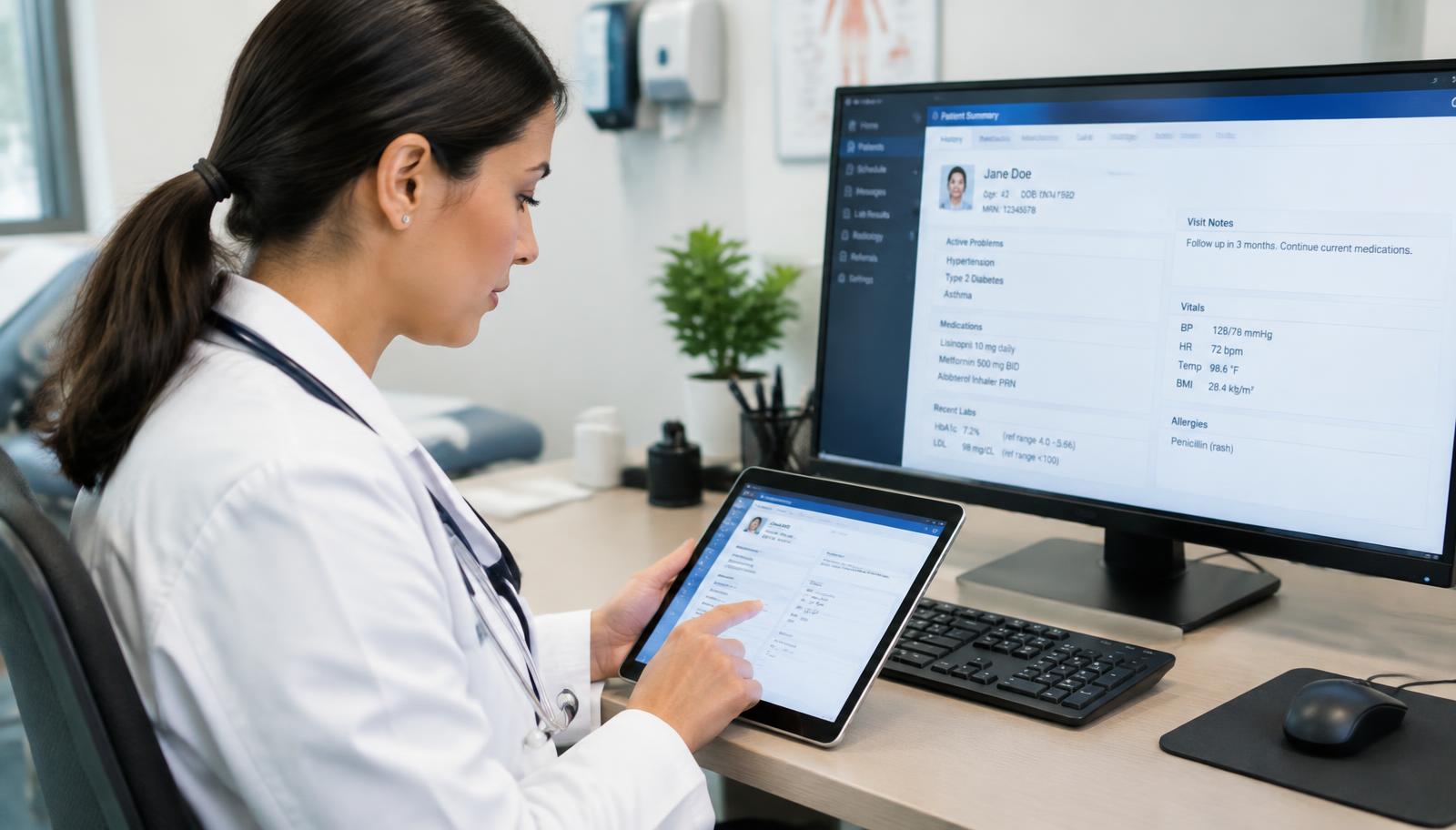
eClinicalWorks billing support for California practices

eClinicalWorks Billing Services That Turn Locked Notes Into Paid Claims

eClinicalWorks gives your practice a capable billing module. What it can’t give you is the people to work it every day. California Billing supports your eCW billing workflow: encounter-to-claim review, rejection follow-up, ERA posting, open balances and reporting through eBO. Confirm the services your practice needs during a billing review.

  • Unbilled encounters and claim rejection review
  • ERA exceptions, short payments and denial follow-up
  • California payer, IPA and provider setup review

Discuss your eCW A/R, rejections and unbilled encounters without sharing patient data or account credentials.

Existing-account workflow reviewAccess and permissions reviewPatient privacy and BAA review
01 · eClinicalWorks billing

How Our Billers Work Inside eClinicalWorks, From Progress Note to Payment

Start with your existing eClinicalWorks account and billing module. Review named-user access, permissions and available activity logs with your administrator so claim notes and follow-up responsibilities remain visible to your practice.

Encounter Capture: From Locked Note to Claim

Review unlocked progress notes and locked encounters that have not become claims. Coordinate provider follow-up and charge capture against your practice’s configured workflow and documentation requirements.


Claim Edits and Submission: Address Rejections Before Denials

Check CPT, ICD-10-CM and HCPCS codes, modifiers, place of service, rendering and billing provider, and insurance details against claim edits and current payer requirements. Review clearinghouse rejections for correction and resubmission; turnaround is defined in the agreed scope.

ERA and Payment Posting: Match Payments to Claims

Match electronic remittances to claims and review exceptions: unmatched payments, short payments against contracted rates, and denials within a remit. Discuss paper EOB and patient-payment posting alongside reconciliation needs.

Denials and A/R: Clear Follow-Up Responsibilities

Prioritize open claims by age, dollar value and filing deadline. Review correction, documented appeals or rerouting to the responsible payer, and investigate recurring insurance, provider or billing-setup issues.

eBO Reporting: Numbers That Support the Next Step

Review available eClinicalWorks reports, including eBO where enabled, for collections, payer-specific denial trends, unbilled encounters and A/R aging. Agree on reporting access, measures and review frequency.

02 · eClinicalWorks billing

6 eClinicalWorks Billing Problems That Cost Practices Money, and How We Address Them

Revenue gaps can come from setup, follow-through or staffing—not simply the software. These six patterns help focus an eCW account review.

Six billing problems and follow-up approaches
ProblemHow it shows up in eCWFollow-up approach
Unlocked or unbilled encountersCompleted visits still have no claimReview encounter queues and provider follow-up responsibilities
Repeat claim rejectionsInsurance, provider or code errors recurInvestigate insurance, provider, facility and fee schedule setup
ERAs posted without exception reviewShort payments or denials treated as paidReview remit exceptions and assess underpayment appeal options
Aging claims nobody ownsOlder balances grow while staff cover the front deskPrioritize a follow-up queue by deadline and value
Reports that don’t drive actioneBO data exists without a review processAgree on collection, denial and A/R measures with next steps
Patient balances left uncollectedStatements are inconsistent or lateReview statement timing, available healow options and payment arrangements

Not sure where your eCW revenue is getting stuck? Discuss rejection patterns and unbilled encounters with our team.

Illustrative medical billing specialist and practice manager reviewing a billing workflow

From encounter to claim

Connect Your Billing Worklists

Review documentation, claim edits and follow-up together in your existing workflow.

03 · eClinicalWorks billing

eClinicalWorks Medical Billing Services, Matched to What Your Team Needs

Discuss your full revenue cycle, or the queues your staff cannot keep up with. Each service links to its detailed scope.

Eligibility and Prior Authorization: Start at Check-In

Review active coverage, assigned plan or network, referrals and authorization details against scheduled services.

04 · eClinicalWorks billing

eCW’s RCM Service or an Independent Billing Team: How to Decide

eClinicalWorks offers its own RCM service. Compare its current proposal with an independent billing team’s written scope, rather than assuming either option includes the same access, reporting or contract terms.

Questions to compare billing options
Decision pointeClinicalWorks RCM serviceCalifornia Billing review
Who does the workAsk the software vendor to define billing-team responsibilitiesDefine independent billing responsibilities within your eCW workflow
Payer focusConfirm coverage of your California payer contractsDiscuss Medi-Cal networks, delegated IPAs and Noridian Jurisdiction E needs
Point of contactReview vendor support and account-management termsAgree on your contact and escalation process
Switching software laterReview contract and transition conditionsConfirm compatibility and scope before any platform change
ReportingConfirm report access and review frequencyDiscuss eCW and available eBO measures and review frequency

If you are considering a change from eCW’s RCM service or another biller, review contract obligations, access, open claims and backlog responsibilities before planning the handover.

05 · eClinicalWorks billing

California Payer Rules, Reviewed in Your eClinicalWorks Setup

California claim routing depends on the patient’s active plan, delegated network or group, provider enrollment and service. Review insurance, provider and facility settings against those arrangements.

Medi-Cal Plans by County

Review CalOptima network assignments in Orange County and current county-specific plan arrangements in Riverside, San Bernardino, Kern and Alameda. Confirm the responsible plan, network or medical group using current coverage and payer instructions; do not rely on a generic county plan-model label.

IPAs and Delegated Medical Groups

HMO and Medi-Cal members assigned to an IPA may need referrals, authorizations or claims routed to that group. Confirm responsibility for the particular service under the contract.

Medicare in California

Noridian Healthcare Solutions administers traditional Medicare Part B in California under Jurisdiction E. Medicare Advantage follows each plan’s authorization and submission requirements.

Workers’ Comp and Personal Injury

Discuss separate occupational and personal injury billing needs. Workers’ compensation review may include the Official Medical Fee Schedule, Doctor’s First Report and PR-2 documentation under current DWC requirements.

Illustrative practice manager and billing specialist discussing revenue reports

A coordinated handover

Make Reporting Part of the Conversation

Agree on access, reporting measures and clear responsibilities before changing billing partners.

06 · eClinicalWorks billing

Start in 5 Steps With Your Existing eClinicalWorks Account

Review your existing eCW account, contract and access arrangements before adding billing support. Transition timing and cash-flow effects depend on your practice’s starting position.

  1. 01Billing review. Review A/R aging, rejection trends and unbilled encounters to identify first priorities.
  2. 02Agreement and BAA. Confirm written scope, access responsibilities and Business Associate Agreement requirements before sharing patient data.
  3. 03User access. Your administrator reviews named-user accounts, billing permissions and available logging against your security requirements.
  4. 04Setup review and backlog takeover. Review insurance, provider and fee schedule setup, then coordinate new claims and backlog follow-up by deadline and value.
  5. 05Reporting review. Agree on frequency and review collections, denials, unbilled encounters and A/R trends.
07 · eClinicalWorks billing

Practices We Support on eClinicalWorks

Solo physicians, multi-provider groups, multi-location practices, community health centers, urgent care centers, behavioral health practices and specialty groups across California can discuss their eCW billing needs. Review full-cycle support or shared queue responsibilities alongside your in-house staff.

  • Solo physicians and multi-provider groups
  • Multi-location practices and community health centers
  • Urgent care and behavioral health practices
  • Specialty groups and shared in-house billing workflows
08 · eClinicalWorks billing

Why Practices Choose California Billing for eClinicalWorks Billing

Review how billing runs inside eCW and the California payers behind each claim. A useful scope connects encounter capture, setup, posting and follow-up rather than treating each queue in isolation.

Hands-On eCW Workflow Review

Discuss encounter-to-claim processes, ERA posting, denials and available eBO reporting.

Investigate Causes, Not Just Claims

Trace repeat rejections to insurance, provider, facility or fee schedule setup and agree on corrective responsibilities.

California Payer Focus

Review Medi-Cal networks, delegated IPAs, Noridian Jurisdiction E and occupational billing requirements.

Visibility in Your Account

Agree on named-user access, claim notes, reporting visibility and available activity logs.

Your Practice Stays in Control

Define data responsibilities, contract obligations and approval authority for adjustments or write-offs.

Clear Accountability

Confirm your point of contact, follow-up ownership and escalation process in writing.

Explore other platform billing pages:

FAQ

eClinicalWorks Billing FAQ

Review your current eCW account with your administrator, including named-user access, billing permissions and available logs. Confirm the access model and patient-data responsibilities before work begins.

Can't find what you're looking for? Contact our billing specialists

See What Your eClinicalWorks Account Is Leaving Unpaid

Request an eClinicalWorks billing review to discuss A/R aging, rejection trends and unbilled encounters. Identify remaining recovery options and workflow priorities without submitting account credentials or patient reports through this website.

(424) 600-9466info@californiabillingservices.com